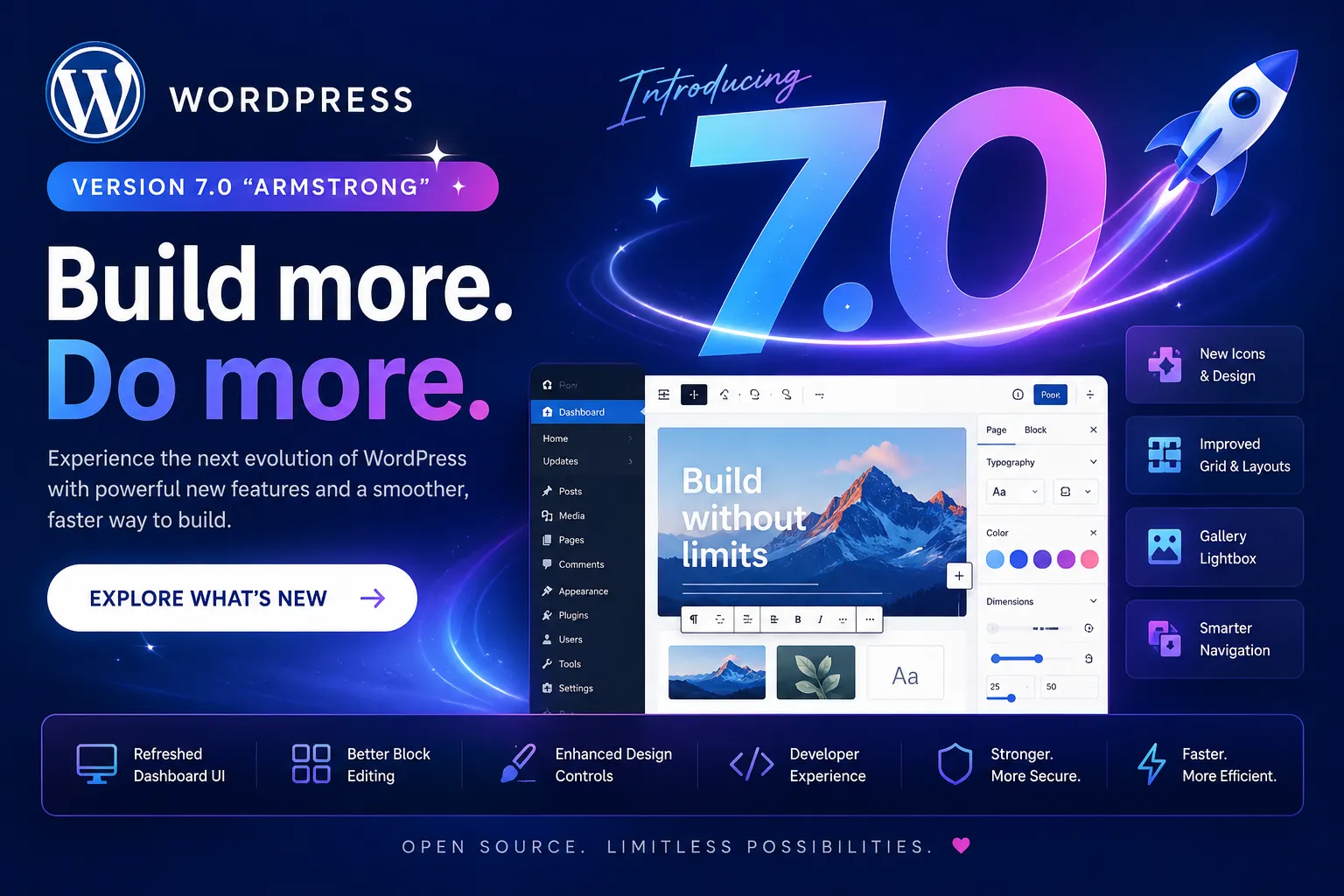
The wait is over — WordPress 7.0 “Armstrong” has officially arrived, bringing a modernized editing experience, improved performance, enhanced design tools, and exciting new features for developers, agencies, bloggers, and online store owners.
This major release focuses on making website building faster, smarter, and more intuitive while continuing WordPress’s mission of empowering creators across the web.
Whether you’re managing a blog, building client websites, or running a WooCommerce store, WordPress 7.0 introduces upgrades that improve both workflow and user experience.
WordPress 7.0 introduces a cleaner and more polished admin interface designed to improve navigation and usability. The updated dashboard feels more modern, helping users manage content more efficiently.
Key improvements include:
The new experience helps both beginners and advanced users work faster with fewer distractions.
The Gutenberg editor continues to evolve with powerful enhancements in WordPress 7.0.
These upgrades make content creation smoother and more intuitive for creators and developers alike.
One of the most requested features is finally here — native gallery lightbox support.
Users can now:
This is especially useful for photographers, designers, agencies, and eCommerce stores.
WordPress 7.0 enhances responsive editing controls to help websites look better across all devices.
New responsive improvements include:
These features allow creators to build modern websites without extensive custom CSS.
Performance remains a major focus in WordPress 7.0.
This means faster websites, smoother editing, and a better overall experience for visitors and administrators.
Developers will appreciate the improved APIs and extended customization options introduced in WordPress 7.0.
Highlights include:
For agencies and plugin developers, this release creates more flexibility when building advanced WordPress solutions.
WooCommerce users can also benefit from WordPress 7.0 improvements, including:
Store owners can expect smoother workflows and improved customer experiences.
WordPress 7.0 also includes several behind-the-scenes improvements focused on:
These updates help keep websites secure and future-ready.
Upgrading to WordPress 7.0 gives you access to:
✅ Better performance
✅ Modern editing tools
✅ Improved design flexibility
✅ Enhanced developer features
✅ Better user experience
✅ Future-ready compatibility
Before upgrading, always:
WordPress 7.0 represents another major step forward for the world’s most popular CMS. With improvements across performance, design, usability, and development, this release empowers creators to build faster, smarter, and more engaging websites.
Whether you’re a blogger, business owner, developer, or agency, WordPress 7.0 delivers tools that make modern web creation easier than ever.
📖 Learn more about the official release here:
WordPress 7.0 Documentation